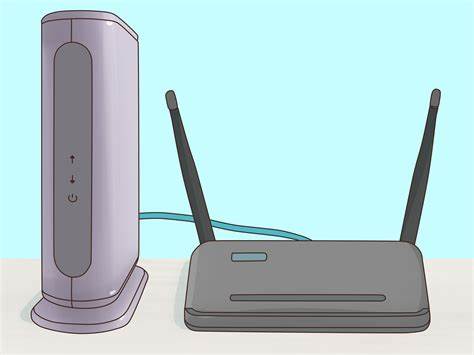
What is the first step to customizing your Yeastar P-Series PBX System?
- Teacher: Site Owner
The iAssist Internal Staff Learning Portal provides access to various resources and services for iAssist staff
What is the first step to customizing your Yeastar P-Series PBX System?

So you got your S-Series VoIP PBX at hand, what's next? What about watching a short video that explains how to configure the initial settings and make the PBX really suits your needs? In this video, you will see how to: - Login the Web configuration panel - Change the IP address - Change initial password - Set up the system email address - Change date and time - Change the system prompt Learn more about Yeastar technical training in Yeastar Academy:
Welcome to our quick run-through on how to efficiently manage your clients and services using WHMCS! In this video, we'll cover:
Whether you're new to WHMCS or looking to streamline your workflow, this guide will help you get up and running quickly.

Learn essential methods and best practices for establishing secure remote access solutions, ensuring efficient connectivity and productivity in modern work environments.
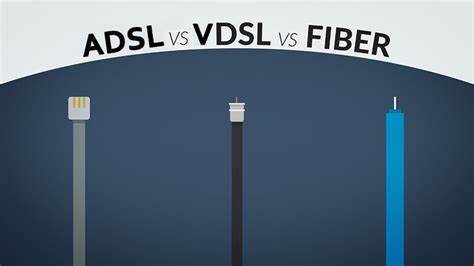
Explore the differences and advantages of Internet connection technologies such as Fiber, VDSL, and ADSL to make informed decisions about optimal connectivity solutions for diverse organizational needs.
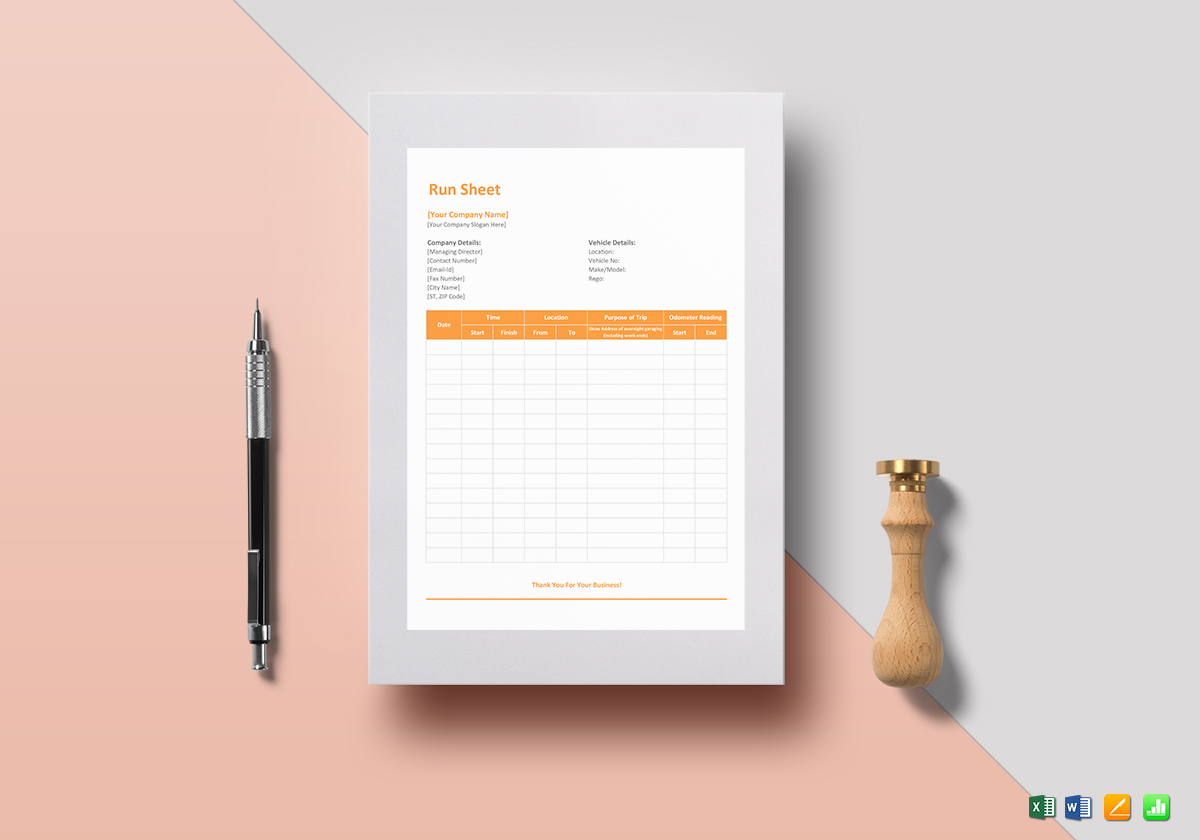
Master the use of a company run-up sheet to enhance organizational readiness and meticulous planning for project initiatives.
Learn essential techniques for handling and transporting hardware to ensure safe and efficient operations in IT environments.
Learn how to effectively utilize Microsoft Teams for seamless collaboration and communication within your organization.
Understand and implement the Technician Escalation Policy to streamline problem resolution and optimize customer service experiences.
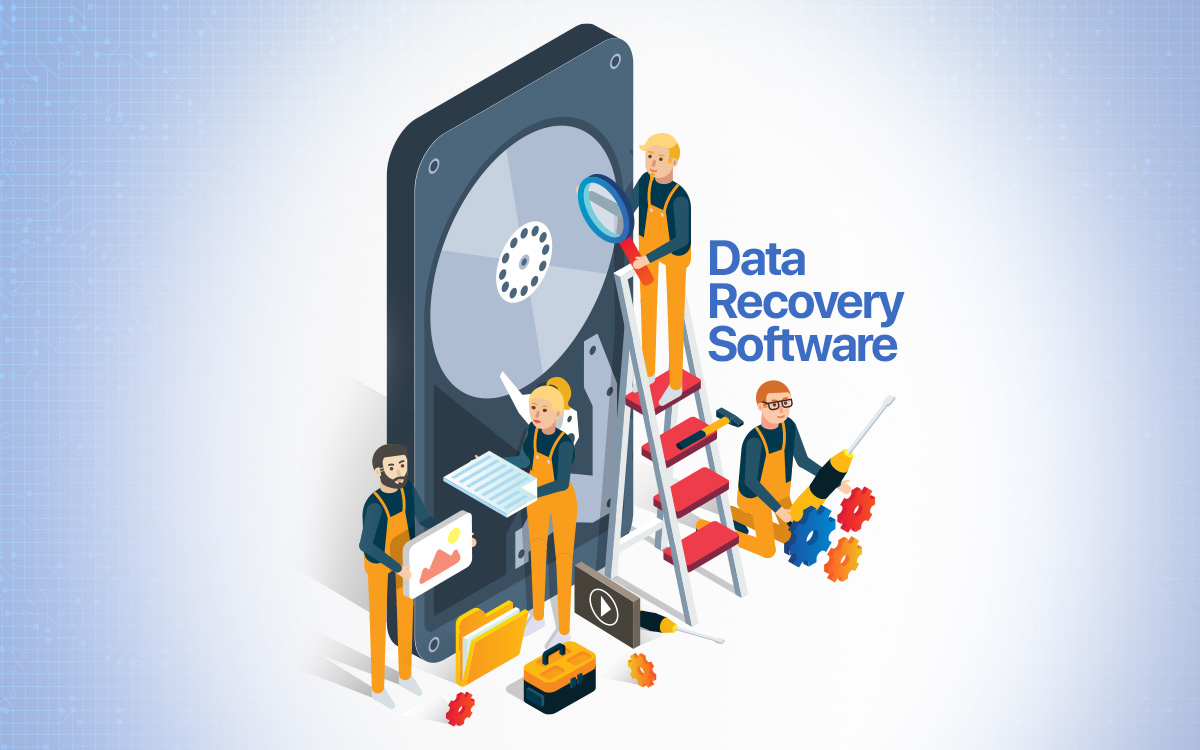
Windows Data Recovery is a technique to recover lost or deleted data in Windows operating system. As data can be lost due to accidental deletion, formatting, system crash or virus attack, the data recovery process utilizes specialized tools to scan the storage media to retrieve these lost files. This recovery operation helps in retrieving important information and prevents permanent loss of data, thus protecting personal or business critical information.

Identify and acquire the right parts for a particular piece of equipment or system in order to replace damaged or obsolete parts. Effective sourcing of replacement parts not only ensures that equipment operates properly, but also reduces maintenance costs and downtime. The process includes confirming part specifications, selecting suppliers, and evaluating cost and quality.

"Compromised 365 Account" means that a Microsoft 365 account has been accessed or controlled by an unauthorized person. Such accounts are typically compromised through phishing attacks, malware, or credential leaks. Compromised accounts can lead to data leakage, misuse, or other security risks. Treatment includes changing passwords immediately, reviewing account activity, enhancing security settings, and contacting the Microsoft support team for further investigation and recovery.

Defederation of a 365 account involves transitioning from federated authentication, where identity verification is managed by on-premises systems like ADFS, to cloud-managed authentication using Azure AD. This process simplifies IT management, enhances security, and reduces dependency on local infrastructure by leveraging Azure's advanced identity services.

Discover the fundamentals of Tel/PBX systems in this course, covering installation, configuration, and management of private branch exchange networks. Learn to enhance communication efficiency, troubleshoot common issues, and explore advanced features like call routing, voicemail, and conferencing to optimize organizational telecom infrastructure.
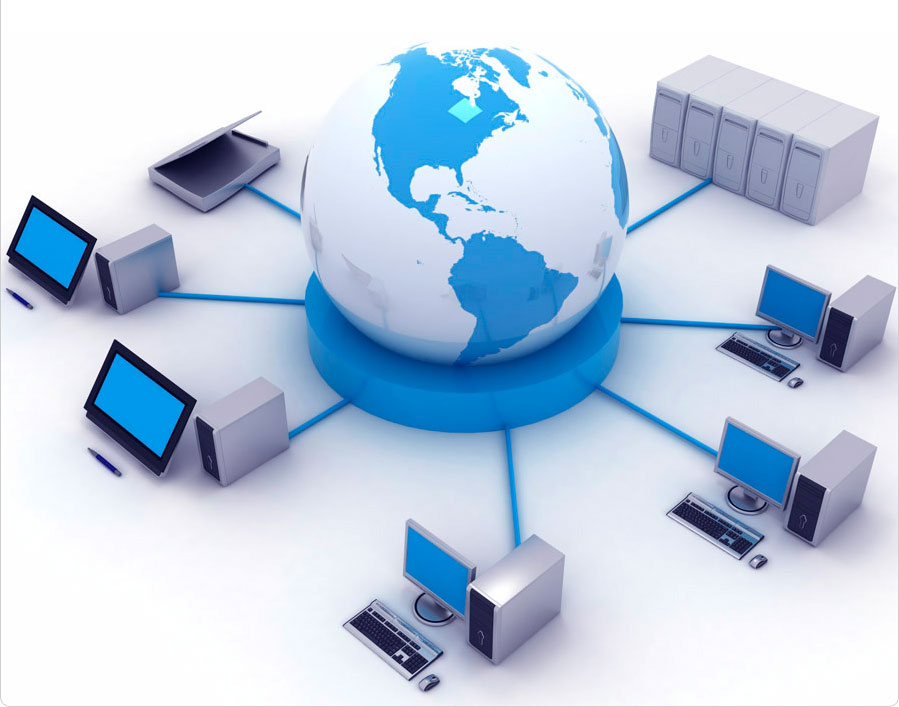
Understand the differences between various broadband technologies, including NBN FTTP, FTTN, Starlink, Sky Muster, and Mobile Broadband. This course explores their features, advantages, and limitations, equipping you with the knowledge to select and manage optimal connectivity solutions for diverse environments and needs.

Learn to set up and manage network and scan printers effectively. This course covers installation, configuration, troubleshooting, and maintenance, ensuring seamless printer operations. Gain practical skills to optimize print environments, improve workflow efficiency, and resolve common issues for both small and large-scale networks.
Explore essential backup strategies to protect data integrity and ensure business continuity. This course covers backup types, best practices, tools, and techniques, empowering you to safeguard critical information and swiftly recover from data loss incidents. Ideal for IT professionals seeking comprehensive knowledge in data backup solutions.
Dart is a programming language developed by Google to build fast, efficient cross-platform applications. The Dart language is particularly well suited for client-side development, especially in conjunction with the Flutter framework, to create high-performance mobile and web applications.

Explore the essentials of Deployment Imaging Service and Management (DISM) in this course. Learn to install, update, and manage Windows images, features, and drivers. Ideal for IT professionals seeking to enhance their skills in maintaining and deploying Windows environments efficiently.

Master the process of creating and managing insurance reports. This course covers essential skills for accurately documenting IT-related insurance claims, analyzing data, and ensuring compliance. Gain proficiency in supporting insurance documentation and reporting within the organization.

Achieve the Clean IT certificate, focusing on maintaining optimal IT infrastructure. This course covers best practices for system cleanliness, preventing malware, managing hardware and software efficiently, and ensuring a secure IT environment. Ideal for IT professionals dedicated to maintaining high standards of system integrity and performance.
Learn to install Internet Information Services (IIS), a flexible and secure web server for hosting websites and applications. This course covers installation steps, configuration, and essential tools to ensure a smooth and efficient setup. Perfect for IT professionals seeking to enhance their web hosting skills.

Gain comprehensive knowledge and skills for performing routine IT maintenance and support tasks to ensure smooth and efficient operations.
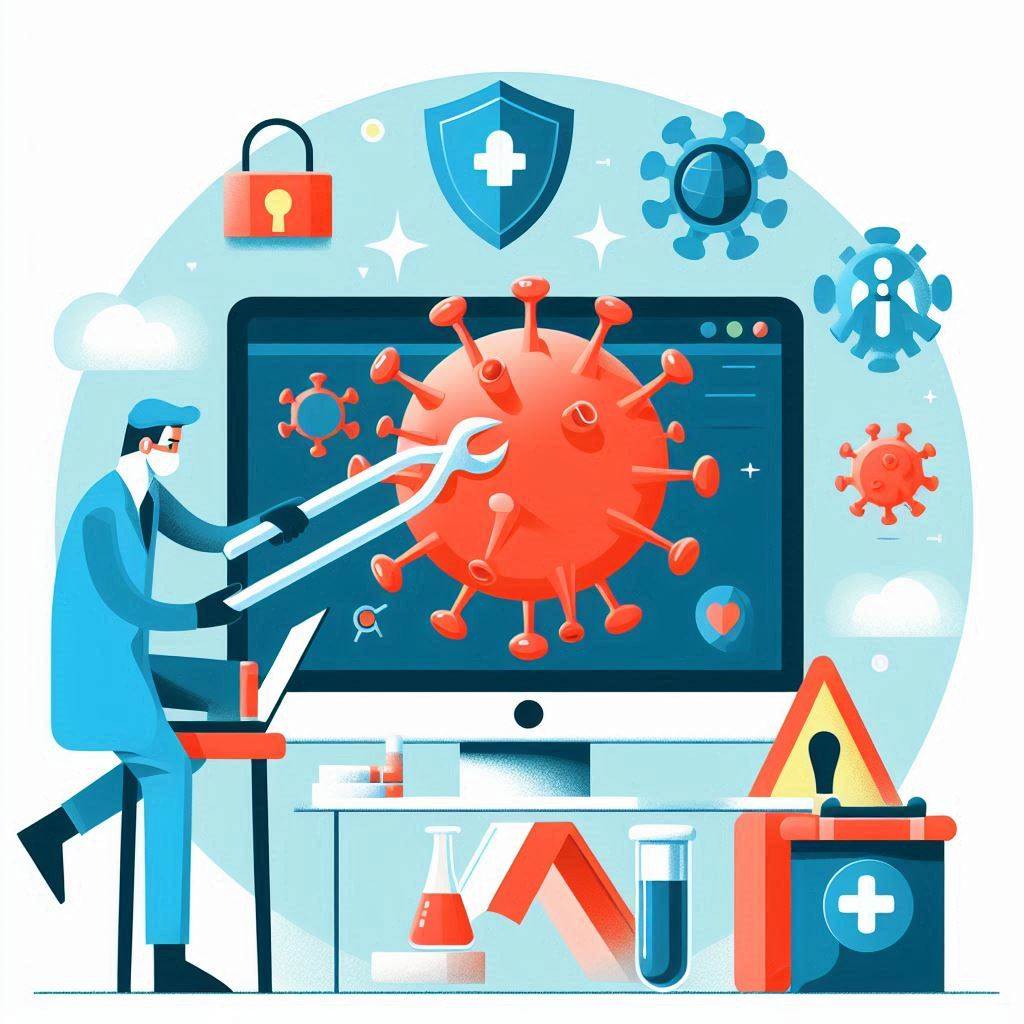
Learn effective techniques for identifying, removing, and preventing computer viruses to ensure system security and optimal performance.
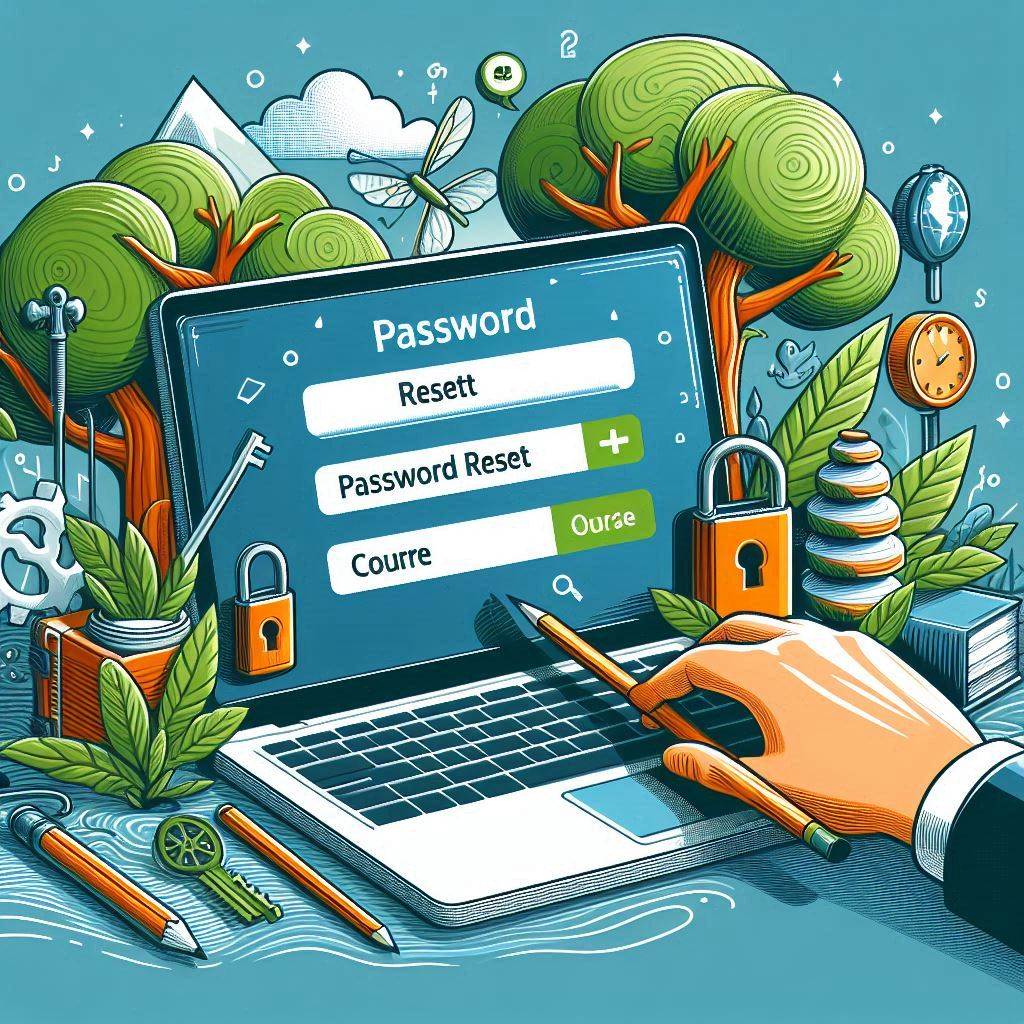
Master the essential techniques for securely resetting passwords

Learn efficient data transfer techniques using Macrium, Fabs, and manual methods to enhance your IT support skills.
Ubuntu Data Recovery is a suite of data recovery tools and technologies designed for the Ubuntu operating system to help users recover lost data from damaged or missing disks. These tools usually include features such as file system repair, partition recovery, disk scanning and data recovery, and are capable of handling various data loss scenarios, such as accidental file deletion, partition corruption or disk failure. Through a graphical interface or a command-line interface, Ubuntu Data Recovery tools provide an intuitive and efficient solution to help users recover as much valuable data as possible.
Ubiquiti Firewall and Cloud Key are two of the key networking devices offered by Ubiquiti Networks.Ubiquiti Firewalls, such as the UniFi Security Gateway and UniFi Dream Machine, are focused on delivering powerful network security and management features, including firewall protection, VPN support and traffic control. Ubiquiti Firewall, such as UniFi Security Gateway and UniFi Dream Machine, focuses on providing robust network security and management features, including firewall protection, VPN support, and traffic control, while Cloud Key is the centralized management hub for the UniFi family of devices, running the UniFi Controller software, which enables users to simplify device provisioning, monitoring, and management for efficient network operations and optimization. Together, they provide a comprehensive network security and management solution.

Tailscale is a cloud-based virtual private network (VPN) solution designed to simplify and accelerate secure network connectivity. Based on the WireGuard protocol, it provides a private network that is easy to set up and manage, enabling devices and services to securely communicate with each other.
TSplus is a remote desktop solution that provides an efficient and cost-effective way to access and manage remote desktops and applications. It is designed to replace or complement Microsoft's Remote Desktop Services (RDS) and provide users with access to remote applications and desktops.TSplus is a solution provided by TSplus International.
Implementing and managing an MDM solution with Microsoft Intune on the Azure platform involves configuring Intune through the Azure portal, managing and securing enterprise devices, ensuring their compliance with company policies, and integrating with other services in the Microsoft 365 environment for comprehensive device and application management.
Microsoft Intune is an enterprise mobility management (EMM) and mobile application management (MAM) service that allows IT administrators to manage and secure corporate devices and applications.

AWS Servers are virtual servers provided by Amazon Web Services (AWS) that run on a cloud platform. They are used to host applications, websites, and services and are highly elastic and scalable.AWS Server allows users to dynamically scale compute resources based on demand, reduce costs, and enjoy the global infrastructure and reliability of AWS.
This course is a simple introduction to Work Orders and how we use them day to day. It’s designed for all staff and focuses on the basics you need to understand and use Work Orders with confidence.
We’ll start by covering what Work Orders are and why they’re important, followed by a walkthrough of the system so you can see where everything lives. You’ll learn how to create a Work Order, make updates, check the status, and close it off once the work is done. We’ll also look at how Work Orders fit into our bigger picture and how they help keep things running smoothly.
By the end of the session, you should feel comfortable using Work Orders at a basic level and understand your role in the process. All staff are expected to be able to use this knowledge as part of their everyday work.
Learn how to enhance the security of your RoboForm account by enabling Multi-Factor Authentication (MFA).
In today’s digital landscape, protecting sensitive information requires more than just strong passwords. This course provides a practical and easy-to-understand introduction to Multi-Factor Authentication (MFA).
This training guides team members through the process of requesting replacement or additional equipment using the iAssist SharePoint form. It covers how to access the form, complete each field accurately, submit the request, and understand what happens next — including how urgency levels affect response times. The goal is to ensure smooth, transparent communication with the management team and timely resolution of equipment needs.

General induction information and tasks to be completed during your first shift with iAssist

privacy policy for phone calls and computer repair pickups, consider the following key points:
General Data Protection Regulation (GDPR) Compliance:
Information to Include in Your Privacy Policy:

Data handling refers to a process that involves recording, presenting, and gathering information in a specific way to facilitate analysis, decision-making, and predictions. It ensures the integrity of data by addressing concerns related to security, confidentiality, and data retention

Client handling refers to the process of managing interactions with clients or customers. It involves various aspects, such as communication, relationship-building, and addressing their needs. Here are some key points:
Effective Communication:
Building Relationships:
Problem Resolution:
Remember that successful client handling contributes to customer satisfaction and loyalty. 😊

Working from home has become increasingly common, especially in recent times.
As iAssist is a client-facing business, working from home is not in alignment with our commitment to providing personalized, face-to-face service and building strong relationships with our clients.
However, under certain circumstances, we have facilitated the option to work from home.

When it comes to parking at work, here are some key considerations:
Designated Parking Areas:

Training Recourses for Admin and Freedesk staff to complete general daily, weekly and monthly tasks [Excluding training covered in specific modules, such as IIS, which has its own module]

Everything Leader Cloud